The first AI workflow to build in your business, ranked by payback
By Tijo Gaucher & Annaki Nguyen · Human+AI
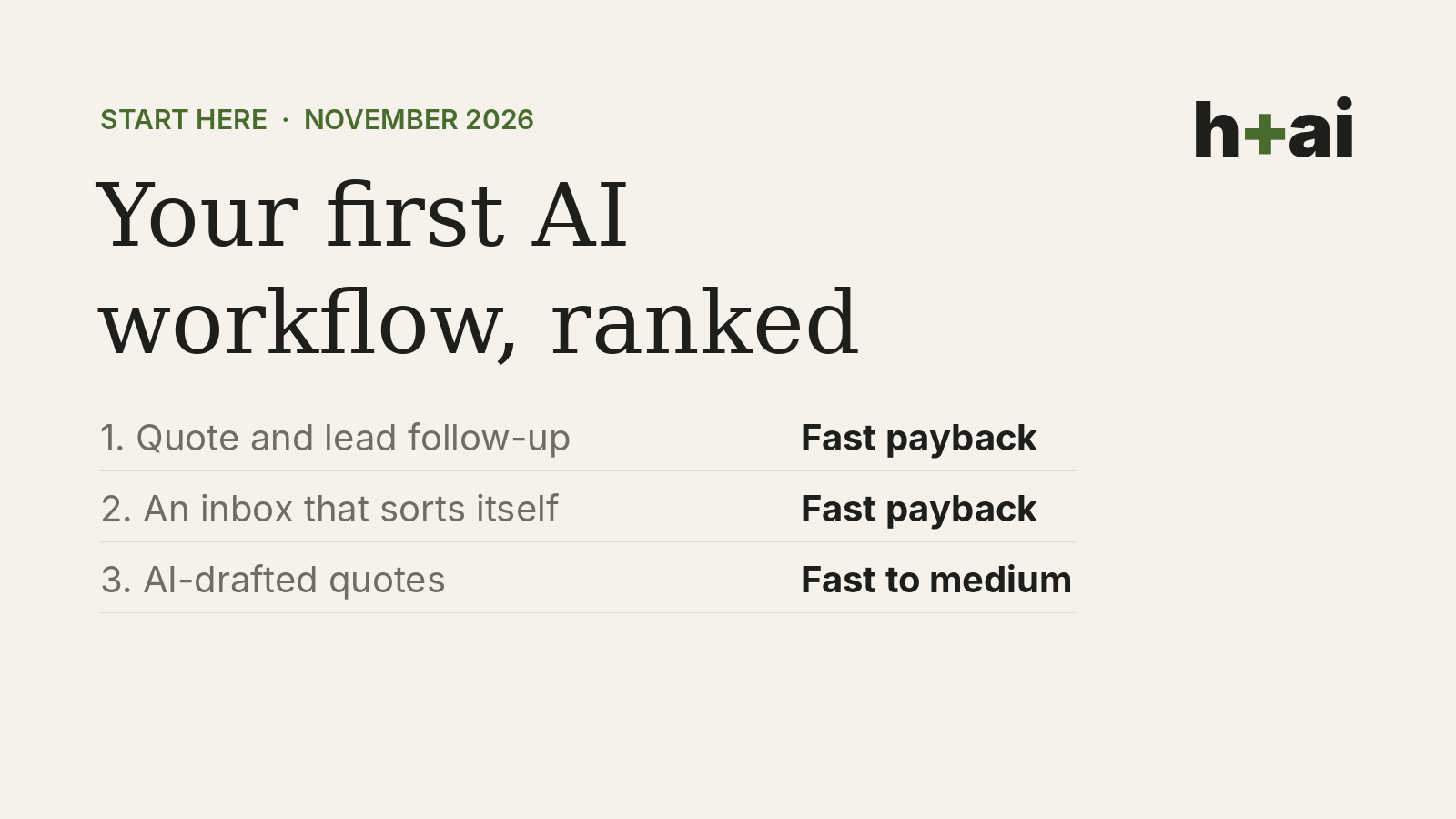
Short answer: start where a customer is waiting. For most owner-run businesses that means following up quotes and enquiries, or an inbox that sorts itself. Both are low-risk, both pay back quickly, and neither needs a big project. Not sure? Take the 2-minute quiz below.
Why "using AI" hasn't saved you much yet
Most owners already use AI. In Goldman Sachs' 2026 survey of small businesses, 76% did, but only 14% said it was fully built into how they run the business (Goldman Sachs). Intuit found only 12% of businesses it tracked had paid for dedicated AI tools (Intuit).
Chatting with AI helps, but modestly. Across US workers, self-reported time saved by AI was 2.2% of work hours in mid-2026, roughly an hour a week (St. Louis Fed). The bigger gains come from a workflow: something that runs every time an email or enquiry arrives, whether or not you remember to open a chat.
How we ranked them
Payback means hours saved times what your hour is worth, plus jobs recovered, weighed against the cost to set up, the cost to run, and the damage if it goes wrong. Workflows that touch revenue and run daily rank first. The hours below are our estimates for a 1 to 20 person business, not survey results. Your numbers will differ.
The ranking
| Workflow | Hours a week it eats (our estimate) | Payback | You'll need | Read |
|---|---|---|---|---|
| 1. Quote and lead follow-up | 2–5 | Fast: brings back jobs, not just time | Enquiries arrive in one place; a list of open quotes | Guide |
| 2. An inbox that sorts itself | 3–7 | Fast: daily, low risk | Gmail or Microsoft 365; a few kinds of email that repeat | Guide |
| 3. AI-drafted quotes | 2–4 | Fast to medium: quicker quotes, more sent | A price list or past quotes; a quote template | Guide |
| 4. CRM updates and meeting notes | 1–3 | Medium | A CRM you actually use | Free course |
| 5. Helpdesk reply drafting | 2–6, if 20+ tickets a week | Medium: only with volume | A helpdesk or shared inbox; written FAQs | Free course |
| 6. Newsletter from voice notes | 2–4 | Medium to slow: depends on list size | An email list; a weekly 10-minute voice note | Free course |
#1 Quote and lead follow-up
In Jobber's survey of 1,050 US home service owners, only 20% reply to new leads within an hour, while over 55% of customers expect a reply that fast. Customer communication and quoting were the two biggest daily time drains, named by 40% and 37% (Jobber, Dec 2025). A workflow that acknowledges every enquiry and drafts a polite chase for quotes that went quiet goes straight at that gap. See the AI follow-up system.
#2 An inbox that sorts itself
AI labels every email (lead, invoice, support, noise) and drafts replies for you to approve. Low risk, visible every day. See the guide or build it with the free course.
#3 AI-drafted quotes
AI reads the enquiry and fills your quote template from your own price list; you check it and send. You set the prices, the AI never does. See can AI write my quotes?
#4 to #6: CRM notes, helpdesk replies, newsletter
- CRM updates and meeting notes pay off if you already use a CRM and it's out of date. Free course.
- Helpdesk reply drafting only pays with volume, roughly 20+ questions a week. Keep a person on every reply: in one 2026 survey, 86% of owners said being able to reach a human matters (Simply Business). Free course.
- A newsletter from voice notes pays off once you have a list worth writing to. Free course.
Build these second
A website that updates itself and an AI video pipeline are worth it, but they pay back slowly: search traffic and audiences take months. Do them once a time-saving workflow is running. And read is auto-blogging safe? first.
The 2-minute quiz: where should you start?
Answer yes or no. The first yes picks your starting workflow.
Question 1 of 7
Do you send quotes or proposals and sometimes never hear back, or never chase?
Why first automations break, and how to stop it
Gartner expects over 40% of agentic AI projects to be cancelled by 2027 over cost, unclear value and weak risk controls (SD Times). That's big-company data, but small automations break for smaller, duller reasons: a login expires, a form field changes, nobody notices it stopped. Four habits prevent most of it:
- One named person owns each workflow.
- It alerts someone when it fails.
- A person approves anything a customer sees.
- Check the running cost once a month.
Do it yourself, or have it built?
Start with the free n8n course if you like tinkering. If it crosses several systems or touches customers, read hire help or do it yourself? and what it costs. Our fixed prices are on the services page.
Survey figures are self-reported by the people surveyed; Jobber, Intuit and Simply Business are vendor surveys.
Questions people ask
What's the easiest AI automation for a small business to start with?
Sorting your inbox. Nothing goes out without your approval, so the risk is low, and you see the benefit every day. If you send quotes, following them up usually pays back faster.
How much does a first AI automation cost to run?
Usually tens of dollars a month if you build it yourself: an automation tool such as n8n from about €20 a month or Zapier from $19.99, plus AI usage or a $20 Claude plan. Having it built for you costs $2,000 to $8,500+ as a one-off with our fixed prices.
How long until an AI workflow pays for itself?
No independent study measures this for small businesses, so be wary of anyone quoting a number. Work it out as hours saved times what your hour is worth, plus any jobs recovered. Workflows that bring in revenue, like follow-ups, tend to pay back faster than content ones.
Will AI send something wrong to my customers?
It can. That's why every workflow here starts with AI drafting and a person approving anything a customer sees. Add an alert for when it fails, and make one person responsible for it.
Want us to pick your first workflow with you?
On a free 20-minute call we look at your week and name the one or two workflows that would pay back fastest, each with a fixed price. Or start yourself with the free courses.