How to make your inbox sort itself: AI email triage for owner-run businesses
By Tijo Gaucher & Annaki Nguyen · Human+AI
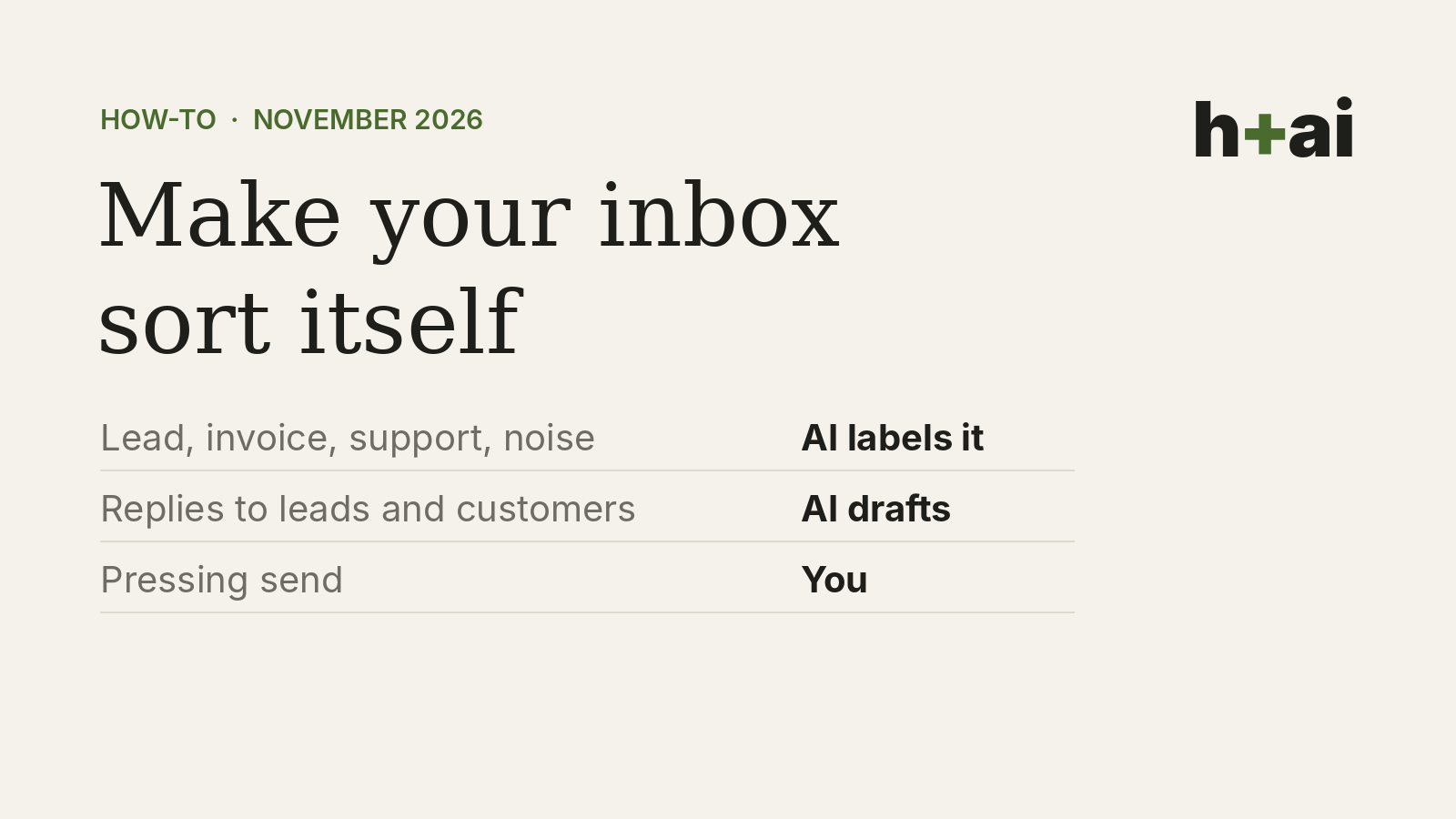
Short answer: yes, AI can sort your business email and draft replies, in Gmail or Outlook. Start with what you already pay for: both now summarise, draft and flag what matters. What they won't do is file every email under your labels (lead, invoice, support, noise) and have a reply waiting for each one. For that, use a paid inbox tool or a small build. Either way, let the AI draft, never send. Prefer to build it yourself? Our free course walks through it, and our free skill runs it with an AI agent.
Try what's built in first
- Gmail. Free Gmail now includes AI thread summaries, Help me write and smarter suggested replies (Google, Jan 2026). The new AI Inbox, which pulls out to-dos and topics to catch up on, reached paid Workspace accounts in October 2026, but only for US English users (Google Workspace Updates). Gmail's "Manage subscriptions" view also lists newsletter senders with one-click unsubscribe, which clears a lot of noise for free.
- Outlook. Copilot's "Prioritize my inbox" marks each new email high, normal or low priority, explains why, and replaces the preview line with a summary. You can teach it rules like "it's from" or "contains" (Microsoft). It labels and sorts the view; it doesn't move or send anything. Copilot Business is $21 per user a month (Microsoft).
- Claude or ChatGPT, on demand. Claude's Gmail connector can search, read, draft, label and send from a chat, asking for approval before actions by default (Claude Help). Great for "go through this morning's mail with me", but it only runs when you ask.
Paid inbox tools that sort and draft for you
| Tool | What it does | Sends or drafts | Price |
|---|---|---|---|
| Fyxer AI | Sorts into To respond, FYI and similar; drafts in your tone | Drafts; you decide what's sent | Pro from $37 a month billed yearly |
| Shortwave | AI filters that label, archive or star by your instructions; AI replies | Drafts | Business from $30 per seat a month |
| Superhuman | Custom auto labels and auto drafts | Drafts | Plans from $30 a month |
| Help Scout | Shared inbox with AI drafts and summaries; optional AI agent that answers customers | Drafts; the agent answers on its own | Plus $45 per user a month billed yearly |
Prices from each vendor's page or help centre, checked 27 November 2026. Check before you buy; seat counts add up fast.
When to build your own instead
Build when most of these are true:
- You want your own categories, like lead, invoice and support, not just "important" and "not".
- You want new enquiries scored, so the hot ones jump out.
- Several people share one inbox, and per-seat tools would cost more than the problem.
- You want replies drafted from your real price list, waiting before you open the email.
Set it up in 5 steps
- 1
Connect your inbox with the least access possible.
In n8n, connect Gmail or Outlook. For Gmail, the access needed to read, label and draft is gmail.modify; avoid full mailbox access, which also allows permanent deletion. - 2
Trigger on new, unread mail.
n8n's Gmail trigger checks for new messages on a schedule and can filter by label, sender or Gmail search terms. - 3
Let a small, cheap model classify each email.
Claude Haiku returns a fixed answer: one label, a lead score from 1 to 5, and a one-line reason. Nothing else. - 4
Apply the label.
The workflow adds the label in Gmail (or moves the message to a folder in Outlook). - 5
Draft replies for leads and support only.
A stronger model writes a reply from your price list and tone guide and saves it as a draft. You read it, edit it and press send.
Full walkthrough with prompts in the free course. Sources: n8n Gmail node, n8n Gmail trigger, Gmail access scopes.
Labels that work: lead, invoice, support, noise
| Label | What goes in it | What happens next |
|---|---|---|
| Lead | New enquiries and quote requests | Scored 1 to 5; a reply is drafted from your price list |
| Invoice | Bills, receipts, payment reminders | Labelled for whoever does the books; no draft |
| Support | Existing customers with a question or problem | A reply is drafted for you to check |
| Noise | Newsletters, promotions, notifications | Labelled and skipped; unsubscribe in bulk |
| Needs a human | Anything unclear, upset, legal or personal | Left alone for you |
Start with these five. Add more only when one label keeps filling with two different things.
Guardrails: why drafts, never sends
An email is text written by a stranger, and an AI reads every word of it, including words you can't see. That's how attackers trick AI assistants, and it has already happened to the biggest names:
- Microsoft 365 Copilot, 2025: researchers showed one crafted email could make Copilot leak data through a link, with no click needed. Microsoft patched it (Dark Reading).
- Gemini in Gmail, 2025: hidden text in an email made the AI summary show a fake security warning with a scam phone number (BleepingComputer).
- ChatGPT with Gmail, 2025: one email with hidden instructions made a research agent send personal data to an attacker. Fixed in August 2025 (Radware).
Every case follows the same recipe: untrusted email, an AI that can see other mail, and a way to send data out. So the rules for any inbox AI are simple, and match the security guidance for AI apps (OWASP):
- No sending. The AI labels and drafts. A person sends. Gmail's access levels for drafting also allow sending, so this is a rule you build in, not one Google enforces.
- Narrow output. The sorting step can only return a label, a score and a reason.
- No browsing. The drafting step can't open links, and any link or phone number in a draft gets flagged for you.
- Least access. Only the permissions the workflow needs, on accounts you own.
On privacy: Google says Workspace doesn't use customer data to train models without permission (Google), Microsoft says Copilot doesn't use your Microsoft 365 data to train its foundation models (Microsoft), and Anthropic doesn't train on API inputs or outputs by default (Anthropic).
What it costs
Illustrative, list prices checked 27 November 2026. A business getting 50 emails a working day, about 1,100 a month, with one in five needing a reply:
- Sorting with Claude Haiku 5.5 ($0.10 per million input tokens, $0.50 output): about 1,500 tokens in and 100 out per email is roughly $0.0002 each, so about $0.22 a month.
- Drafting with Claude Sonnet 5.5 ($2 input, $10 output): about 3,000 tokens in and 400 out is roughly $0.01 per draft, so about $2.20 a month for 220 drafts.
- The automation tool: n8n Cloud Starter is €20 a month billed yearly, or self-host it.
That's roughly $2.50 a month in AI plus the automation tool, against $30 to $99 per person a month for most paid inbox tools. Real costs vary with email length and attachments. Prices: Anthropic, n8n. See also what AI automation costs overall.
How much email are we talking about?
Microsoft's workplace data found the average worker receives 117 emails a day and skims most in under a minute (Microsoft Work Trend Index, 2025). That's mostly big-company data. Your inbox is the only benchmark that counts, so time it for a week before you start.
Related: is it safe to let AI use your computer? and should you build this yourself?
Questions people ask
Will the AI send emails without me?
Not in the setup we recommend: it labels and drafts, and a person sends. The built-in tools work the same way by default. Claude and ChatGPT ask before sending from chat, and Gmail and Outlook draft only when you ask.
Does Google or Microsoft train AI on my business email?
Both say no for business accounts. Google says Workspace doesn't use customer data to train models without permission, and Microsoft says Copilot prompts, responses and your Microsoft 365 data aren't used to train its foundation models. Anthropic doesn't use API inputs or outputs for training by default.
Does this work with Outlook or a shared inbox?
Yes. Copilot in Outlook prioritises mail for Microsoft 365 users, and a custom build can work on a shared or delegated mailbox in Gmail or Outlook. For customer support, a shared-inbox tool with AI drafts can be simpler.
How much time will it save?
There's no reliable universal number, and we won't invent one. Count how long email takes you for one normal week, then measure again after a month of triage. Your own numbers are the only ones that matter.
Want your inbox sorted by next week?
We set this up in your own Gmail or Outlook at a fixed price: your labels, your lead scoring, drafts in your voice, nothing sent without you. Free 20-minute call to start.