Is it safe to let AI use your computer?
By Tijo Gaucher & Annaki Nguyen · Human+AI
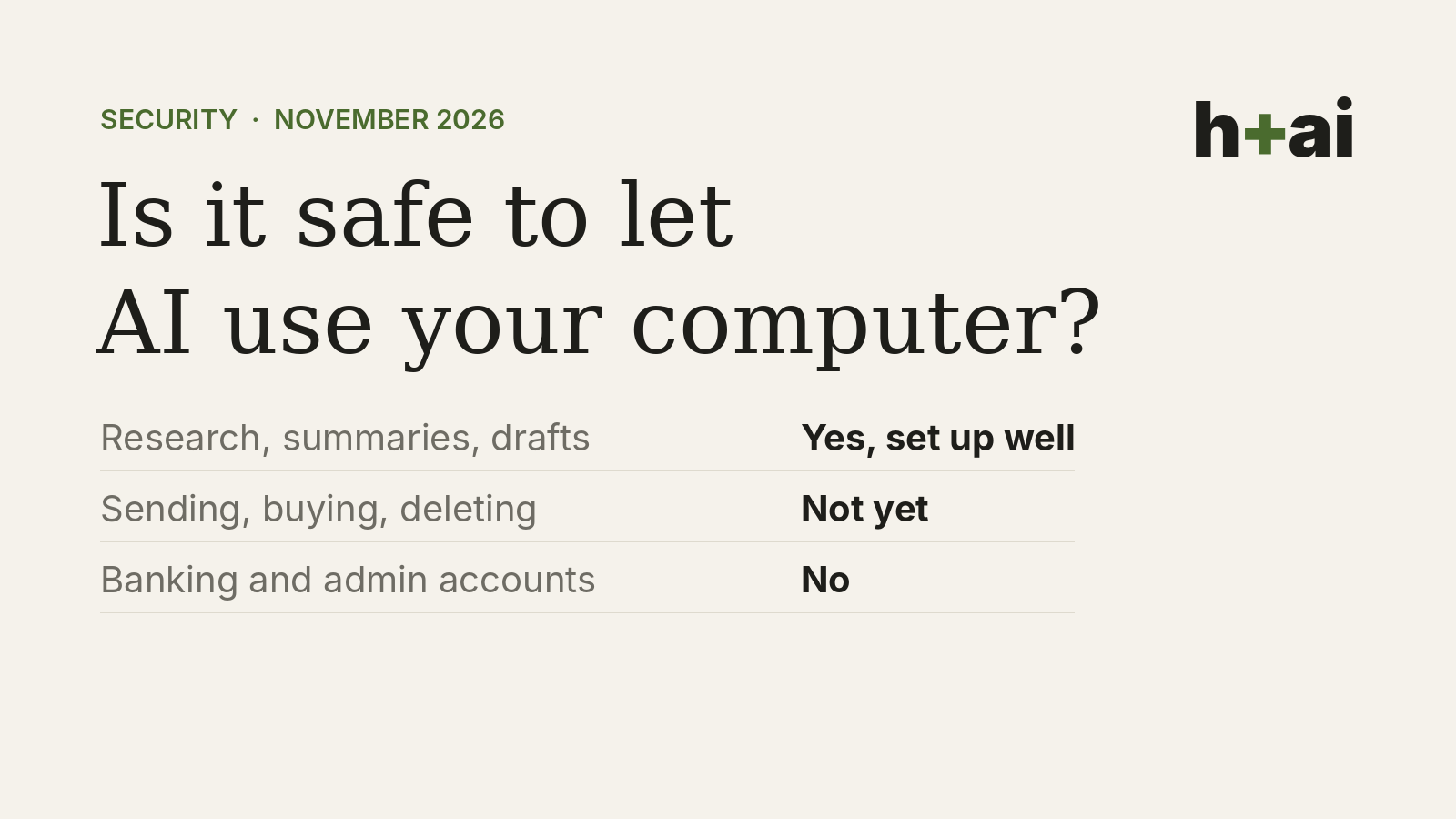
Short answer: safe enough for low-stakes, reversible tasks, if you set it up carefully. Not safe yet for anything involving money, passwords or sending to customers without you checking. The main risk isn't the AI going rogue. It's someone hiding instructions on a web page or in an email that the AI then follows.
What "computer use" actually means
There are two kinds. Browser agents click, type and read inside a web browser for you. Desktop agents go further and use apps and files on your computer. Both see what you'd see, and act with whatever access you've given them.
The real risk: hidden instructions
An AI reads everything on the page, including text you can't see. Attackers use that. In 2025, Brave's security team showed that a hidden comment on a Reddit page could make a browser agent hand over a user's email address and a one-time login code (Brave). The name for this is prompt injection.
What the AI companies themselves admit
- Anthropic tested Claude Opus 4.5 as a browser agent against a determined attacker. Attacks succeeded 8% of the time on the model alone and about 1.4% with improved safeguards. Its own conclusion: "No browser agent is immune to prompt injection" (Anthropic, Nov 2025).
- OpenAI describes prompt injection as a long-term challenge and recommends logged-out mode, checking confirmations before purchases or emails, and giving specific tasks (OpenAI).
1% sounds small until you run hundreds of tasks a month. That's why the setup matters more than the model.
8 rules for using an AI agent safely
- 1
Use a separate browser profile.
A clean profile, or logged-out mode, so the agent can't see your other accounts. - 2
Close banking and admin tabs.
Never let an agent work next to your bank, payroll or website admin. - 3
Start read-only.
Research and summaries first. Sending, buying and deleting come much later, if ever. - 4
Confirm before it sends or buys.
Turn on any setting that makes the agent ask first, and actually read the confirmation. - 5
Give narrow instructions.
"Find the delivery price on these three sites" beats "sort out my suppliers". - 6
Watch the first runs.
Sit with it the first few times. You'll quickly see where it goes off track. - 7
Use accounts with the least access.
A staff login with limited permissions, not the owner account. - 8
Keep a record.
Note what you let it do and check the results, especially anything touching customers.
Good jobs for an AI agent now, and jobs to keep away from it
Good now: comparing supplier prices, pulling details from long pages, filling draft forms you review, researching a competitor, tidying a spreadsheet copy.
Keep away: payments, payroll, password changes, deleting files, replying to customers without review, and anything on a site where you're logged in as the owner.
Related: a safe, drafts-only inbox setup and how AI connects to your tools.
Questions people ask
Can an AI agent be hacked through a website?
It can be tricked. Hidden text on a page or in an email can contain instructions aimed at the AI, known as prompt injection. Anthropic reports that even with improved safeguards, a small share of attacks still succeed, and says no browser agent is immune.
Should I let AI log into my bank or admin accounts?
No. Keep banking, payments, password managers and admin panels away from AI agents. Use them for low-stakes, reversible tasks first.
Is a cloud AI agent safer than one on my laptop?
Not automatically. What matters is what the agent can reach: which accounts are logged in, which files it can open, and whether it can send or buy without asking you.
What's a good first task to give an AI agent?
Something read-only and easy to check: gathering prices from a few supplier sites, summarising a long page, or filling a draft form you review before submitting.
Want AI working in your accounts, safely?
We set up agents that draft and wait for your approval, with the narrowest access that does the job. Fixed price, free 20-minute call to start.