A2A vs MCP: the two AI agent standards, explained
By Tijo Gaucher & Annaki Nguyen · Human+AI
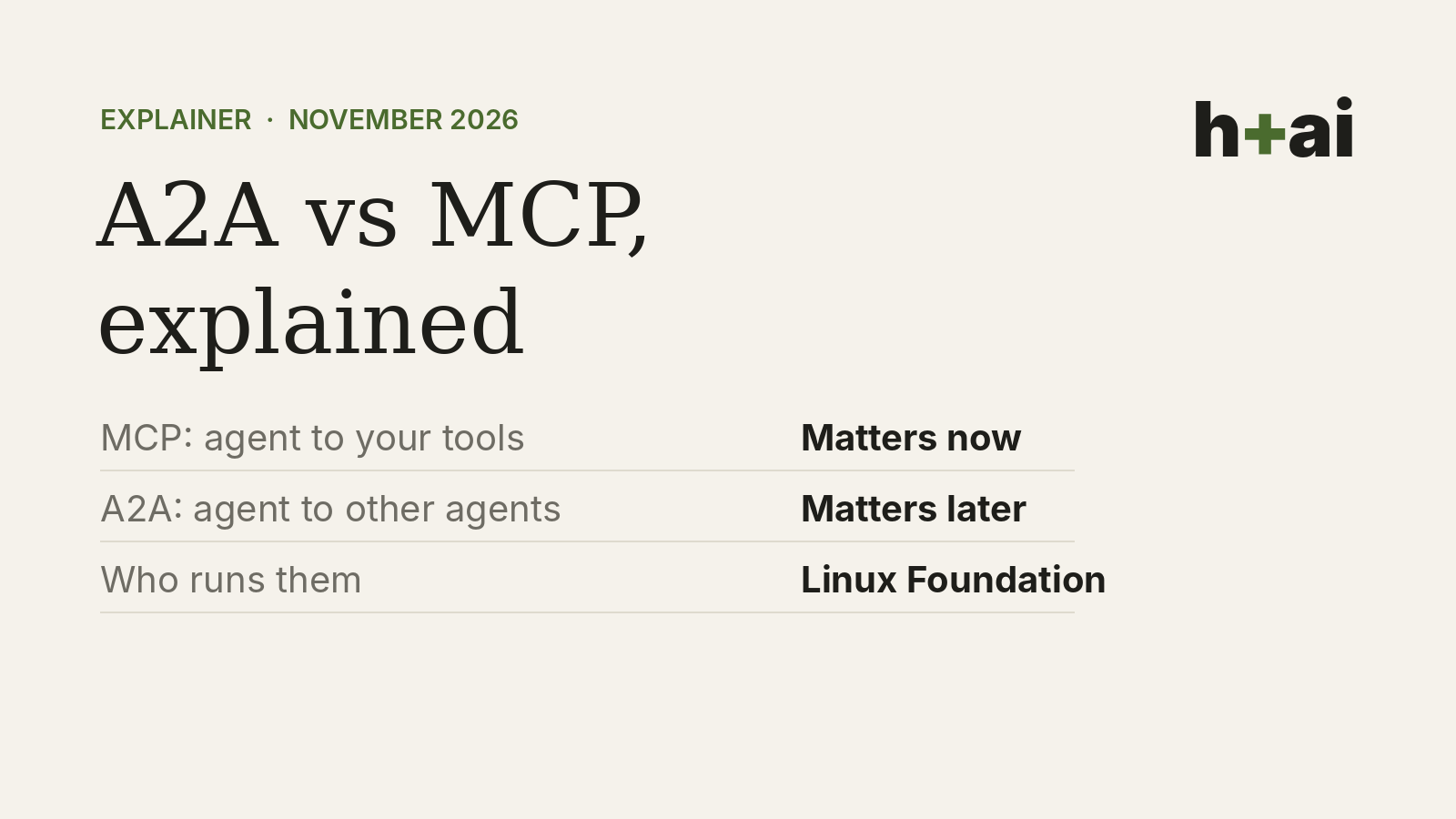
Short answer: MCP is for tools, A2A is for teamwork. MCP (Model Context Protocol) lets an AI agent use your apps and data: your inbox, CRM, calendar or accounts. A2A (Agent2Agent) lets one AI agent hand work to another, even one run by a different company. They aren't rivals, and since August 2026 both are looked after by the same neutral foundation. For most small businesses, MCP matters now and A2A matters later.
| MCP | A2A | |
|---|---|---|
| What it connects | An AI agent to tools, apps and data | An AI agent to other AI agents |
| Started by | Anthropic, November 2024 | Google, April 2025 |
| Run by now | Agentic AI Foundation (Linux Foundation), since December 2025 | Linux Foundation since June 2025; Agentic AI Foundation since August 2026 |
| Current version | 2026-07-28 (versions are dates) | v1.0 (March 2026) |
| How it's found | The server lists the tools it offers | An 'Agent Card' published at a standard web address |
| Unit of work | A single tool call or data read | A task, which can take several back-and-forth turns |
| Adoption signal | 400M monthly SDK downloads (Anthropic, July 2026) | 150+ organisations; built into Azure, AWS and Google Cloud (Linux Foundation, April 2026) |
| Matters to a small business | Now (our view) | Later, if ever (our view) |
Sources: Anthropic, MCP blog, Claude blog, Linux Foundation, AAIF. The last row is our judgment, not a fact.
What MCP does
Think of MCP as a universal plug. Before it, every AI tool needed its own custom connection to every app. With MCP, an app offers one standard "server" and any AI that speaks MCP can use it. Claude's directory alone lists more than 950 of them (Claude).
Small-business example: you ask your AI assistant who hasn't paid this month. Through MCP it reads your accounting app, checks your inbox for anything from those customers, and drafts polite reminders for you to approve. That's the kind of thing our free CRM course walks through.
What A2A does
A2A is for when two agents need to work together. Each agent publishes an "Agent Card", a short file at a standard web address saying what it can do and how to reach it. Another agent reads the card, sends a task, and gets updates and results back, sometimes over several rounds.
Small-business example: your booking agent needs a room for a client event. Instead of you emailing the venue, it hands the request to the venue's own agent, which checks availability and sends back options. Real production use so far is mostly big platforms: Huawei, Tencent's WeChat and PayPal are named users (AAIF).
Who controls these standards now
Neither belongs to a single company anymore. The Linux Foundation formed the Agentic AI Foundation (AAIF) in December 2025 with MCP as a founding project. Its platinum members include AWS, Anthropic, Google, Microsoft and OpenAI (Linux Foundation). Google had already given A2A to the Linux Foundation in 2025, and in August 2026 A2A joined AAIF too. AAIF passed 300 members in October 2026 (Linux Foundation).
That matters for you because it lowers lock-in risk: what you build on either standard isn't tied to one vendor.
What changed in 2026
- March: A2A reached v1.0, its first stable version, adding signed Agent Cards (Google).
- April: A2A passed 150 supporting organisations and shipped inside Azure, AWS and Google Cloud (Linux Foundation).
- July 28: MCP's biggest update yet. Connections no longer need a setup handshake, the old HTTP+SSE connection method is being retired over a year, and features now get at least twelve months' notice before removal (MCP blog).
- August 17: A2A joined the Agentic AI Foundation, putting both standards under one roof (AAIF).
If you read a guide to either protocol written before mid-2026, parts of it are now out of date, including some details like where the Agent Card lives and which connection methods are current.
Do you actually need A2A?
Honest answer for most owner-run businesses: not yet.
- You need MCP-connected tools if you want an AI assistant that can read your inbox, CRM, calendar or files and draft work for you. That's available today in mainstream AI apps.
- You might need A2A if your agents must deal with another company's agents: suppliers, booking platforms, payment providers. That world is arriving through big platforms first.
- Either way, you don't pick a protocol yourself. You pick tools, and the tools speak the protocols. Ask vendors which they support.
Security: the part you can't skip
Neither standard makes an agent safe on its own. Microsoft's security team puts it bluntly: the protocol "deliberately does not enforce security for you" (Microsoft). Before you connect anything:
- Use official connectors from the app maker or a known directory, and check they're actively maintained.
- Give the narrowest access possible. A connector that only needs to read your calendar shouldn't be able to send email.
- Watch for hidden instructions. An email or web page can contain text meant to trick an AI into doing something. This is called prompt injection.
- Keep a human on the send button for anything that reaches customers or moves money.
- For A2A, a signed Agent Card proves the card wasn't tampered with, not that the other company is trustworthy. You still decide who to deal with (AAIF).
Questions people ask
Is A2A replacing MCP?
No. They do different jobs: MCP connects an agent to tools and data, A2A connects agents to each other. The official A2A site recommends using both.
Who owns A2A and MCP?
No single company. Both are open-source projects hosted by the Agentic AI Foundation under the Linux Foundation, whose platinum members include AWS, Anthropic, Google, Microsoft and OpenAI.
Does my small business need A2A?
Probably not yet. Most of the value today comes from AI tools connected to your apps through MCP. A2A starts to matter when your agents need to work with a partner's or supplier's agents.
Are MCP and A2A secure?
They give you security hooks, like proper sign-in for MCP and signed Agent Cards for A2A, but they don't enforce safety for you. Vet each connection, give it the narrowest access it needs, and keep a human approving anything risky.
Want your AI connected to your real tools?
We set up AI that works inside your inbox, CRM and calendar, in your own accounts, drafting for your approval. Fixed price. Start with a free 20-minute call, or try it yourself with our free courses.
Book a free 20-min call