AI agent platforms for small business: a 2026 buyer's guide
By Tijo Gaucher & Annaki Nguyen · Human+AI
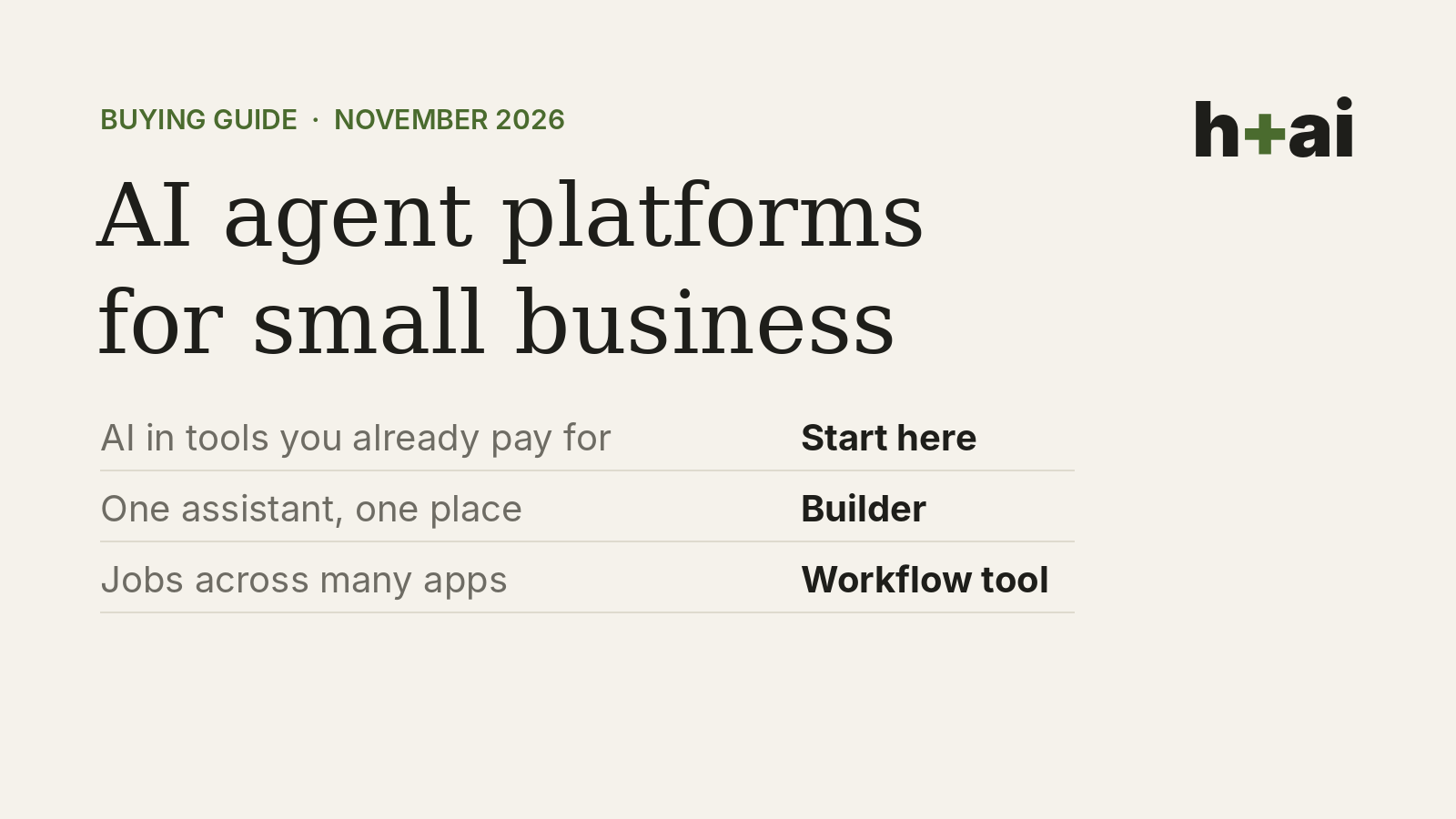
Short answer: start with the AI inside tools you already pay for. If that can't do the job, use a no-code agent builder for one-off assistants, or a workflow tool like n8n when the job crosses several apps. Whatever you choose, keep your prompts and data where you can take them with you: two agent platforms shut down in 2026.
The three kinds of platform
- Inside tools you already use. Microsoft 365 Copilot, your CRM's AI, your helpdesk's AI. Least setup, least lock-in risk beyond what you already have.
- No-code agent builders. Tools like Lindy or Copilot Studio, where you describe an assistant and connect your accounts.
- Workflow tools with AI steps. n8n, Zapier or Make, where AI is one step in a chain of actions. Most control, most to maintain.
What they cost
| Platform | Type | Price | Best for |
|---|---|---|---|
| Microsoft Copilot Studio | Builder | $200/mo per 25,000 credits; internal agents included for Microsoft 365 Copilot users ($30/user/mo) | Teams already on Microsoft 365 |
| Lindy | Builder | Team $49.99 per user/mo, 5,000 credits | Personal and team assistants without code |
| n8n | Workflow tool | Cloud from €20/mo billed yearly; free to self-host | Jobs across many apps |
| Dify | Builder | Free sandbox; Professional $590/yr | Chat assistants over your own documents |
Sources, checked 27 November 2026: Microsoft, Lindy, n8n, Dify. For what each charges per task, see AI agent pricing explained.
Do you need to care about hosting?
Usually not. Hosted platforms handle the servers. Self-hosting (running n8n or Dify on your own server) saves on fees and keeps data in-house, but someone has to update and watch it. If nobody on your team will, don't.
Platform risk: two shutdowns in one year
Flowise, a popular open-source agent builder, reached end of life on August 31, 2026 (Flowise). OpenAI's Agent Builder stops being available on November 30, 2026 (OpenAI). Protect yourself:
- Keep prompts, instructions and source documents in your own files.
- Write one paragraph per workflow describing what it does and which accounts it uses.
- Prefer tools that export, or that you could self-host if the company changes course.
- Make sure every account is in your name, not a contractor's.
How to pick in 15 minutes
- Write the job in one sentence: "When X arrives, do Y and let me approve Z."
- Check whether a tool you already pay for can do it.
- If it's one assistant in one place, try a builder. If it crosses three or more apps, use a workflow tool.
- Run it on ten real examples before you rely on it.
Related: n8n vs Dify vs Flowise and hire help or do it yourself?
Questions people ask
What is an AI agent platform?
Software for setting up AI that takes actions for you: reading email, updating records, drafting replies. Some are built into tools you already use, some are standalone builders, and some are workflow tools with AI steps.
Do I need to host my own AI agent?
Rarely. For most small businesses, a hosted platform or the AI built into your existing tools is simpler and safer. Self-hosting only makes sense if you have someone to maintain it or strict data rules.
What happens if my AI platform shuts down?
It happened twice in 2026: Flowise reached end of life in August and OpenAI's Agent Builder becomes unavailable on November 30. Keep your prompts, documents and a written description of each workflow in your own files so you can rebuild elsewhere.
Which AI agent platform is cheapest?
Often the one you already pay for. Microsoft 365 Copilot users can build internal agents at no extra cost, and many CRMs and helpdesks include AI features. Check those before adding a new subscription.
Not sure which platform fits?
Tell us the job on a free 20-minute call. We'll say which platform fits, or whether what you already pay for will do.