AI agent pricing explained: per seat, per task, per result
By Tijo Gaucher & Annaki Nguyen · Human+AI
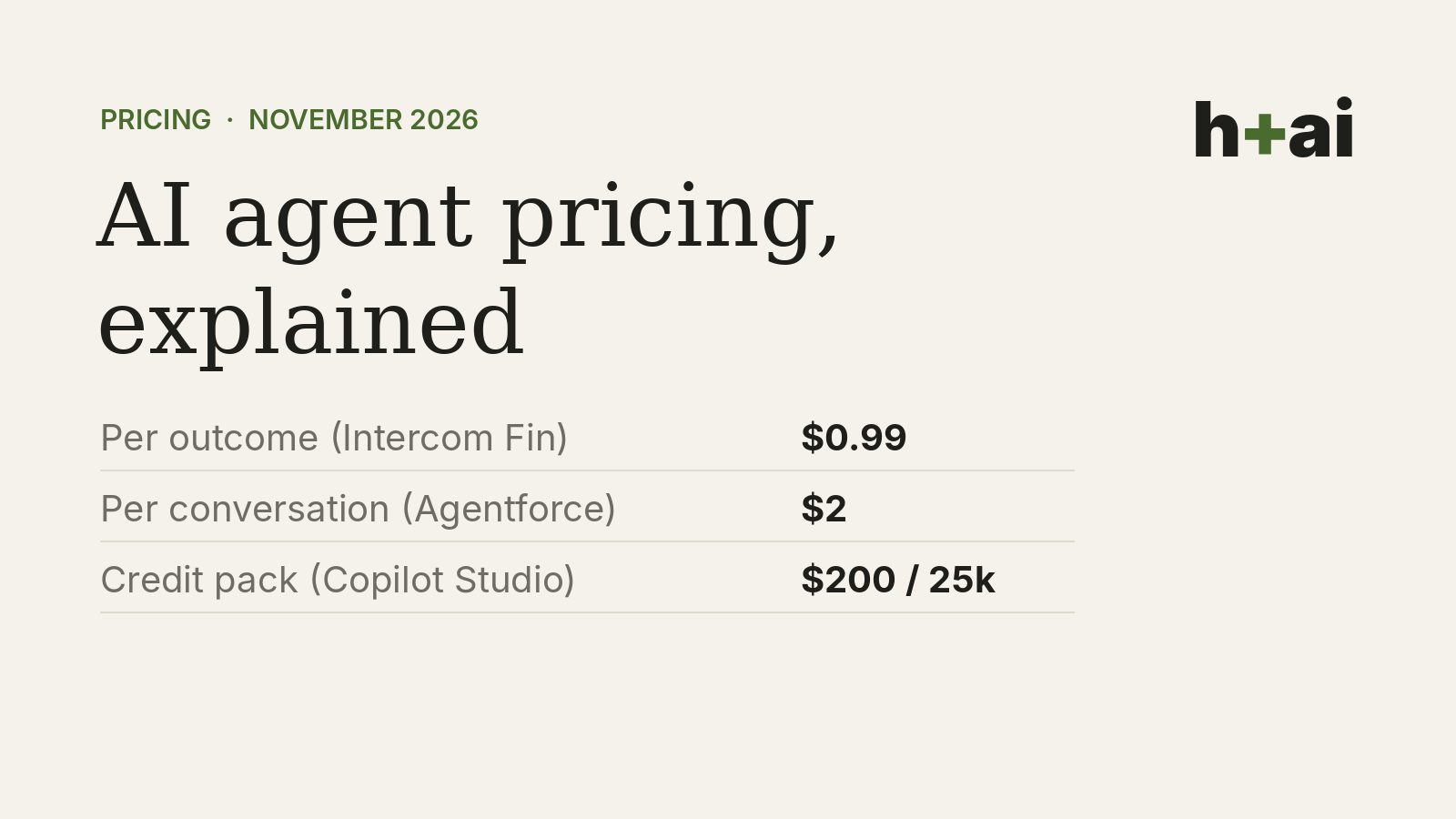
Short answer: AI tools charge in four ways: per seat (a person using it), per credit or task (a unit of work), per outcome (a resolved conversation) or a mix. For a small team, flat per-seat plans are the most predictable. Per-outcome pricing looks fair but grows with every customer conversation, so model it on your real numbers first.
What the big vendors charge
| Vendor | Model | Price |
|---|---|---|
| Intercom Fin | Per outcome | $0.99 per outcome; nothing if Fin can't answer or the customer asks for a human; seats from $19 to $132 a month |
| Zendesk AI agents | Per automated resolution | A small allowance included per agent, then about $1.50 to $2.00 each (widely reported; ask for your rate in writing) |
| Salesforce Agentforce | Credits, per conversation or per user | $500 per 100,000 Flex Credits, or $2 per conversation, or $125 per user a month |
| Microsoft Copilot Studio | Credit packs | $200 a month for 25,000 credits, or pay-as-you-go; Microsoft 365 Copilot users can build internal agents at no extra cost |
| Lindy | Per seat plus credits | Team plan $49.99 per user a month with 5,000 credits; $10 per extra 1,000 |
Sources, checked 27 November 2026: Intercom, Zendesk, Salesforce, Microsoft, Lindy. Zendesk doesn't clearly publish its per-resolution rate.
Per outcome: fair, but watch the definition
You pay when the AI resolves something. Intercom is clear: no charge if Fin fails or the customer asks for a person, at most one charge per conversation, and a refund if the conversation reopens (Intercom). Zendesk counts a resolution after a waiting period with no further contact. The risk for a growing business is that a successful AI makes the bill bigger every month.
Credits: flexible, hard to predict
Credits turn every action into a unit. They suit uneven workloads, but you need to know how many credits a typical task uses before you can budget. Ask the vendor for a worked example from a business your size.
Per seat: boring and predictable
A monthly price per person. It's the easiest to budget for a small team, and it doesn't punish you for using the AI more. The catch: you pay for people who barely use it.
A worked example (illustrative, list prices)
A shop with 500 support chats a month, where AI fully resolves 40%: that's 200 resolutions. On Intercom Fin, 200 × $0.99 = about $198 a month in AI charges, plus seats. On Salesforce's per-conversation price, if the agent handles all 500 chats, 500 × $2 = $1,000. Different units, very different bills, so always run your own numbers.
Which model fits a 1 to 20 person business
- Low, steady volume: per outcome can be fine. Set a spending limit.
- Growing volume: prefer flat pricing, or AI you run on your own account where you pay the model directly.
- Already on Microsoft 365 Copilot: build internal agents there before buying anything new.
- Always: get overage rates and the definition of a billable unit in writing.
Related: helpdesk AI costs vs a Claude support agent.
Questions people ask
What is outcome-based AI pricing?
You pay when the AI resolves something, not per seat. Intercom's Fin charges $0.99 per outcome and nothing if the customer asks for a human. It's fair in principle, but the bill grows with every conversation, so check how the vendor defines a resolution.
Which AI pricing model is cheapest for a small business?
Usually a flat seat plan or your own AI usage at low volume, and per-outcome pricing only when volume is low and predictable. Work it out with your real monthly numbers.
What are AI credits?
A prepaid unit the vendor converts into actions or messages. Salesforce sells Flex Credits at $500 per 100,000; Microsoft sells 25,000 Copilot Credits for $200 a month. Ask how many credits a typical task uses.
How do I avoid surprise AI bills?
Set spending limits where offered, check usage weekly for the first month, and ask for overage rates in writing before you sign.
Want to know what AI would cost you, month by month?
On a free 20-minute call we'll work out the running cost of the AI you're considering with your real volumes. See also our full cost guide.